- Sort Score
- Num 10 results
- Language All
Results 421 - 430 of 1,058 for png (0.02 seconds)
-
build-tools-internal/src/main/java/org/elasticsearch/gradle/internal/precommit/ForbiddenPatternsTask.java
        .exclude("**/*.ico")
        .exclude("**/*.jar")
        .exclude("**/*.zip")
        .exclude("**/*.jks")
        .exclude("**/*.crt")
        .exclude("**/*.keystore")
        .exclude("**/*.png")
        // vim swap file - included here to stop the build falling over if you happen to have a file open :-|
        .exclude("**/.*.swp");

    /*
     * The rules: a map from the rule name, to a rule regex pattern.
Created: Wed Apr 08 16:19:15 GMT 2026 - Last Modified: Tue Jun 01 09:19:30 GMT 2021 - 6.8K bytes - Click Count (0) -
docs/zh/docs/advanced/behind-a-proxy.md
你可以在 [http://127.0.0.1:8000/docs](http://127.0.0.1:8000/docs) 查看:

<img src="/img/tutorial/behind-a-proxy/image01.png">

但如果我们在“官方”URL(代理端口为 `9999`)的 `/api/v1/docs` 访问文档界面,它就能正常工作!🎉

你可以在 [http://127.0.0.1:9999/api/v1/docs](http://127.0.0.1:9999/api/v1/docs) 查看:

<img src="/img/tutorial/behind-a-proxy/image02.png">

完全符合我们的预期。✔️

这是因为 FastAPI 使用该 `root_path` 在 OpenAPI 中创建默认的 `server`,其 URL 来自 `root_path`。
Created: Sun Apr 05 07:19:11 GMT 2026 - Last Modified: Fri Mar 20 17:06:37 GMT 2026 - 15.1K bytes - Click Count (0) -
docs/ja/docs/how-to/extending-openapi.md
### 確認 { #check-it }

[http://127.0.0.1:8000/redoc](http://127.0.0.1:8000/redoc) にアクセスすると、カスタムロゴ(この例では **FastAPI** のロゴ)が使われていることが確認できます:
Created: Sun Apr 05 07:19:11 GMT 2026 - Last Modified: Fri Mar 20 14:07:17 GMT 2026 - 3.9K bytes - Click Count (0) -
docs/zh-hant/docs/tutorial/schema-extra-example.md
{* ../../docs_src/schema_extra_example/tutorial003_an_py310.py hl[22:29] *}

### 文件 UI 中的範例 { #example-in-the-docs-ui }

使用以上任一方法,在 `/docs` 中看起來會像這樣:

<img src="/img/tutorial/body-fields/image01.png">

### `Body` 搭配多個 `examples` { #body-with-multiple-examples }

當然,你也可以傳入多個 `examples`:

{* ../../docs_src/schema_extra_example/tutorial004_an_py310.py hl[23:38] *}

這麼做時,這些範例會成為該 body 資料內部 **JSON Schema** 的一部分。
Created: Sun Apr 05 07:19:11 GMT 2026 - Last Modified: Fri Mar 20 17:05:38 GMT 2026 - 8.4K bytes - Click Count (0) -
README.md
#### Office Documents
- Microsoft Office (Word, Excel, PowerPoint)
- OpenOffice/LibreOffice documents
- RTF, WordPerfect

#### PDFs and Images
- PDF documents (text and metadata extraction)
- Images (JPEG, PNG, GIF, TIFF, BMP)
- Image metadata (EXIF, IPTC, XMP)

#### Archives and Compressed Files
- ZIP, TAR, GZ archives
- LHA compression format
- Nested archive extraction

#### Web and Markup
Created: Sun Apr 12 03:50:13 GMT 2026 - Last Modified: Sun Aug 31 05:32:52 GMT 2025 - 15.3K bytes - Click Count (0) -
docs/zh-CN/README.md
### 浏览器 UI - 搜索 UI: http://localhost:8080/ 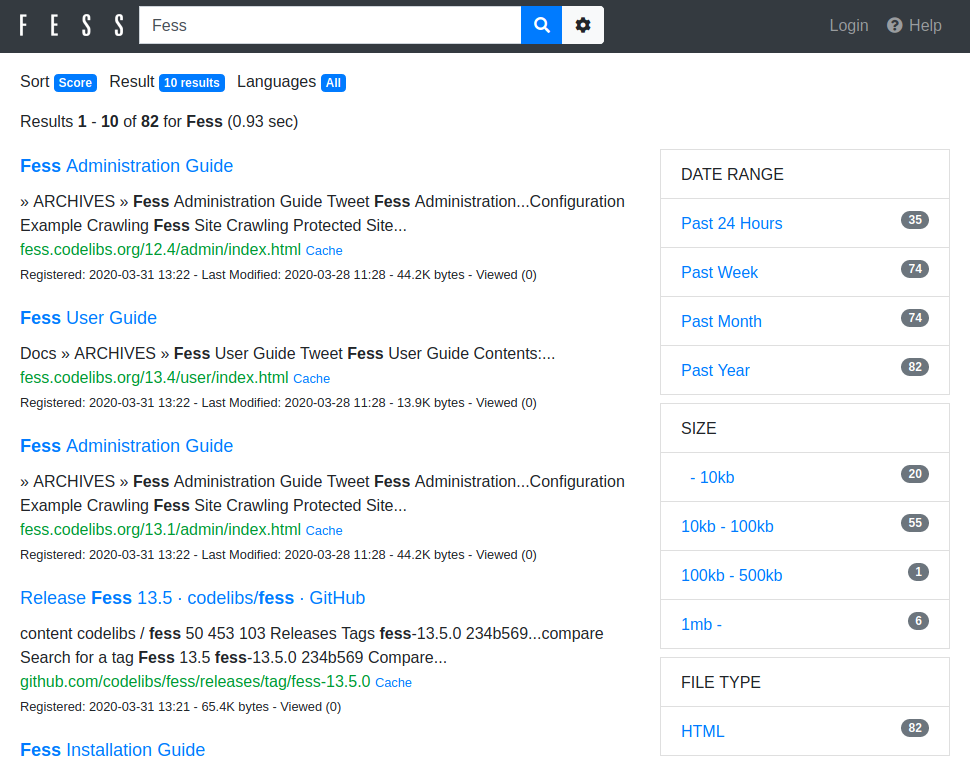 - 管理 UI: http://localhost:8080/admin/ (默认用户名/密码为 admin/admin) 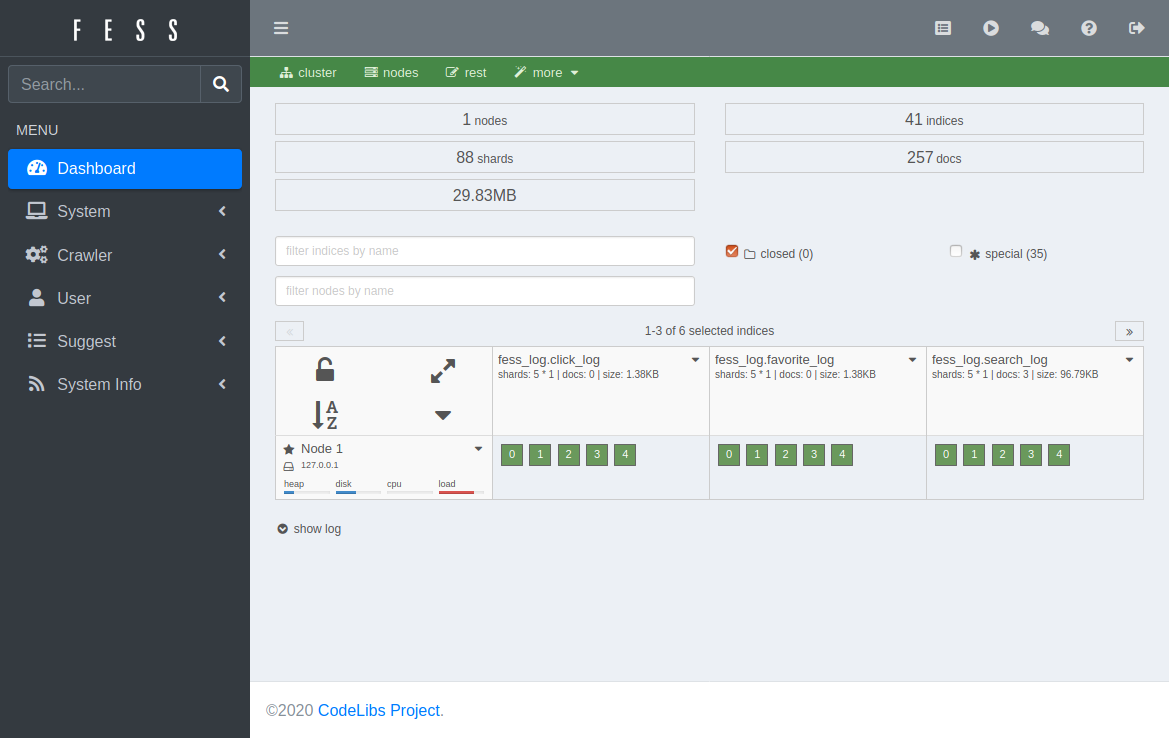 您可以在管理 UI 的 (Web、文件、数据存储) 爬虫配置页面中注册爬取目标,然后在 [调度器页面](https://fess.codelibs.org/15.3/admin/scheduler-guide.html)手动启动爬虫。 ## 从其他搜索提供商迁移
Created: Tue Mar 31 13:07:34 GMT 2026 - Last Modified: Tue Nov 11 22:42:32 GMT 2025 - 7K bytes - Click Count (0) -
docs/ja/docs/tutorial/schema-extra-example.md
{* ../../docs_src/schema_extra_example/tutorial003_an_py310.py hl[22:29] *}

### ドキュメントUIでの例 { #example-in-the-docs-ui }

上記のいずれの方法でも、`/docs`の中では以下のようになります:

<img src="/img/tutorial/body-fields/image01.png">

### 複数の`examples`を使う`Body` { #body-with-multiple-examples }

もちろん、複数の`examples`を渡すこともできます:

{* ../../docs_src/schema_extra_example/tutorial004_an_py310.py hl[23:38] *}
Created: Sun Apr 05 07:19:11 GMT 2026 - Last Modified: Fri Mar 20 14:07:17 GMT 2026 - 10.5K bytes - Click Count (0) -
docs/ko/docs/tutorial/query-params-str-validations.md
/// tip | 팁

위의 예와 같이 `list` 타입으로 쿼리 매개변수를 선언하려면 `Query`를 명시적으로 사용해야 합니다. 그렇지 않으면 요청 본문으로 해석됩니다.

///

대화형 API 문서는 여러 값을 허용하도록 수정 됩니다:

<img src="/img/tutorial/query-params-str-validations/image02.png">

### 쿼리 매개변수 리스트 / 기본값이 있는 다중값 { #query-parameter-list-multiple-values-with-defaults }

제공된 값이 없으면 기본 `list` 값을 정의할 수도 있습니다:

{* ../../docs_src/query_params_str_validations/tutorial012_an_py310.py hl[9] *}
Created: Sun Apr 05 07:19:11 GMT 2026 - Last Modified: Fri Mar 20 14:06:26 GMT 2026 - 18.7K bytes - Click Count (0) -
src/main/java/org/codelibs/fess/thumbnail/impl/HtmlTagBasedGenerator.java
        final String mimeType = responseData.getMimeType();
        if (mimeType == null) {
            return true;
        }

        return switch (mimeType) {
        case "image/png", "image/gif", "image/jpeg", "image/bmp" -> true;
        default -> false;
        };
    }

    /**
     * Processes and saves an image from the input stream to the output file as a thumbnail.
     *
Created: Tue Mar 31 13:07:34 GMT 2026 - Last Modified: Thu Jan 01 12:47:47 GMT 2026 - 10.6K bytes - Click Count (0) -
docs/ja/docs/tutorial/cookie-param-models.md
## ドキュメントの確認 { #check-the-docs }

対話的APIドキュメントUI `/docs` で、定義されているクッキーを確認できます:

<div class="screenshot">
<img src="/img/tutorial/cookie-param-models/image01.png">
</div>

/// info | 情報

**ブラウザがクッキーを処理し**ていますが、特別な方法で内部的に処理を行っているために、**JavaScript**からは簡単に操作**できない**ことに留意してください。

**APIドキュメントUI** `/docs` にアクセスすれば、*path operation*に関するクッキーの**ドキュメンテーション**を確認できます。
Created: Sun Apr 05 07:19:11 GMT 2026 - Last Modified: Fri Feb 13 15:24:30 GMT 2026 - 4.1K bytes - Click Count (0)