- Sort Score
- Num 10 results
- Language All
Results 321 - 330 of 334 for Cloud (0.02 seconds)
-
docs/pt/docs/tutorial/bigger-applications.md
Mas você teria que lembrar de passar o path correto toda vez que chamar o comando `fastapi`.

Além disso, outras ferramentas podem não conseguir encontrá-la, por exemplo a [Extensão do VS Code](../editor-support.md) ou a [FastAPI Cloud](https://fastapicloud.com), portanto é recomendável usar o `entrypoint` em `pyproject.toml`.

///

## Verifique a documentação automática da API { #check-the-automatic-api-docs }

Agora, execute sua aplicação:
Created: Sun Apr 05 07:19:11 GMT 2026 - Last Modified: Thu Mar 19 18:20:43 GMT 2026 - 20.3K bytes - Click Count (0) -
docs/de/docs/tutorial/bigger-applications.md
Aber dann müssten Sie sich jedes Mal, wenn Sie den `fastapi`-Befehl aufrufen, an den korrekten Pfad erinnern.

Außerdem finden andere Tools Ihre App womöglich nicht, zum Beispiel die [VS Code-Erweiterung](../editor-support.md) oder [FastAPI Cloud](https://fastapicloud.com). Daher wird empfohlen, den `entrypoint` in `pyproject.toml` zu verwenden.

///

## Die automatische API-Dokumentation prüfen { #check-the-automatic-api-docs }

Führen Sie nun Ihre App aus:
Created: Sun Apr 05 07:19:11 GMT 2026 - Last Modified: Thu Mar 19 17:58:09 GMT 2026 - 21.9K bytes - Click Count (0) -
docs/zh-hant/docs/tutorial/bigger-applications.md
/// Note | 注意

你也可以把路徑直接傳給指令,例如:

```console
$ fastapi dev app/main.py
```

但你每次呼叫 `fastapi` 指令時都得記得傳入正確的路徑。

此外,其他工具可能找不到它,例如 [VS Code 擴充套件](../editor-support.md) 或 [FastAPI Cloud](https://fastapicloud.com),因此建議在 `pyproject.toml` 中使用 `entrypoint`。

///

## 檢查自動產生的 API 文件 { #check-the-automatic-api-docs }

現在,執行你的應用:

<div class="termy">

```console
$ fastapi dev
Created: Sun Apr 05 07:19:11 GMT 2026 - Last Modified: Fri Mar 20 17:05:38 GMT 2026 - 18.7K bytes - Click Count (0) -
docs/uk/docs/tutorial/bigger-applications.md
Але тоді вам доведеться щоразу пам'ятати, щоб передавати правильний шлях, коли ви викликаєте команду `fastapi`.

Крім того, інші інструменти можуть не знайти його, наприклад [розширення VS Code](../editor-support.md) або [FastAPI Cloud](https://fastapicloud.com), тому рекомендовано використовувати `entrypoint` у `pyproject.toml`.

///

## Перевірте автоматичну документацію API { #check-the-automatic-api-docs }

Тепер запустіть ваш застосунок:
Created: Sun Apr 05 07:19:11 GMT 2026 - Last Modified: Thu Mar 19 18:27:41 GMT 2026 - 27.4K bytes - Click Count (0) -
docs/ko/docs/tutorial/bigger-applications.md
/// Note | 참고

명령어에 경로를 직접 전달할 수도 있습니다:

```console
$ fastapi dev app/main.py
```

하지만 `fastapi` 명령어를 실행할 때마다 올바른 경로를 기억해 전달해야 합니다.

또한 [VS Code 확장](../editor-support.md)이나 [FastAPI Cloud](https://fastapicloud.com) 같은 다른 도구들이 이를 찾지 못할 수도 있으므로, `pyproject.toml`의 `entrypoint`를 사용하는 것을 권장합니다.

///

## 자동 API 문서 확인하기 { #check-the-automatic-api-docs }

이제 앱을 실행하세요:

<div class="termy">
Created: Sun Apr 05 07:19:11 GMT 2026 - Last Modified: Fri Mar 20 14:06:26 GMT 2026 - 21.5K bytes - Click Count (0) -
cmd/testdata/xl-meta-merge.zip
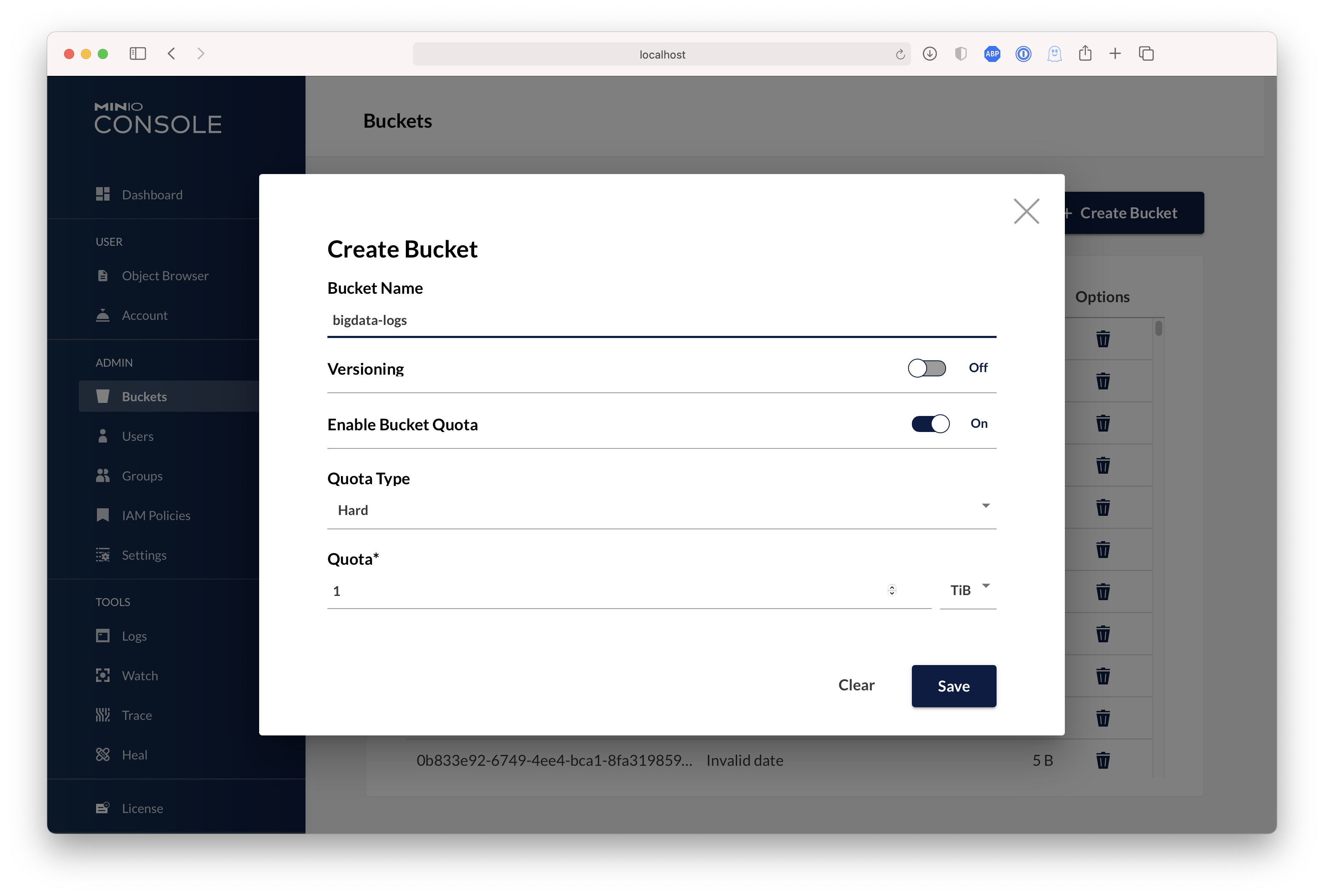 | ## Test using MinIO Client `mc` `mc` provides a modern alternative to UNIX commands like ls, cat, cp, mirror, diff etc. It supports filesystems and Amazon S3 compatible cloud storage services. Follow the MinIO Client [Quickstart Guide](https://min.io/docs/minio/linux/reference/minio-mc.html#quickstart) for further instructions. ## Upgrading MinIO Upgrades require zero downtime in MinIO, all upgrades are non-disruptive,...
Created: Sun Apr 05 19:28:12 GMT 2026 - Last Modified: Fri Mar 08 17:50:48 GMT 2024 - 30.2K bytes - Click Count (0) -
android/guava/src/com/google/common/util/concurrent/MoreExecutors.java
    return future;
  }

  /**
   * Returns a default thread factory used to create new threads.
   *
   * <p>When running on AppEngine with access to <a
   * href="https://cloud.google.com/appengine/docs/standard/java/javadoc/">AppEngine legacy
   * APIs</a>, this method returns {@code ThreadManager.currentRequestThreadFactory()}. Otherwise,
   * it returns {@link Executors#defaultThreadFactory()}.
   *
Created: Fri Apr 03 12:43:13 GMT 2026 - Last Modified: Wed Jan 28 22:39:02 GMT 2026 - 45.6K bytes - Click Count (0) -
CONTRIBUTING.md
implement the analyzer is 11MB so we don't ship it with Elasticsearch by
default.

Another example is the `discovery-gce` plugin. It is *vital* to folks running
in [GCP](https://cloud.google.com/) but useless otherwise and it depends on a
dozen extra jars.

#### `qa`
Honestly this is kind of in flux and we're not 100% sure where we'll end up.
Right now the directory contains
Created: Wed Apr 08 16:19:15 GMT 2026 - Last Modified: Wed Sep 01 07:32:01 GMT 2021 - 36.5K bytes - Click Count (0) -
.bazelrc
common:resultstore --google_default_credentials
common:resultstore --bes_backend=buildeventservice.googleapis.com
common:resultstore --bes_instance_name="tensorflow-testing"
common:resultstore --bes_results_url="https://source.cloud.google.com/results/invocations"
common:resultstore --bes_timeout=600s

# Flag to enable remote config
common --experimental_repo_remote_exec

common:use_tar_archive_files --repo_env=USE_CUDA_TAR_ARCHIVE_FILES=1
Created: Tue Apr 07 12:39:13 GMT 2026 - Last Modified: Sat Mar 28 04:33:01 GMT 2026 - 58.9K bytes - Click Count (0) -
docs/ja/docs/tutorial/bigger-applications.md
/// Note | 備考

コマンドにパスを渡すこともできます。例えば:

```console
$ fastapi dev app/main.py
```

しかし、そのたびに `fastapi` コマンドを呼ぶ際、正しいパスを渡すのを忘れないようにする必要があります。

さらに、[VS Code Extension](../editor-support.md) や [FastAPI Cloud](https://fastapicloud.com) など、他のツールが見つけられない場合があります。そのため、`pyproject.toml` の `entrypoint` を使うことを推奨します。

///

## 自動APIドキュメントの確認 { #check-the-automatic-api-docs }

アプリを実行します:

<div class="termy">
Created: Sun Apr 05 07:19:11 GMT 2026 - Last Modified: Fri Mar 20 14:07:17 GMT 2026 - 22.8K bytes - Click Count (0)