- Sort Score
- Num 10 results
- Language All
Results 531 - 540 of 1,000 for imag (0.02 seconds)
-
docs/uk/docs/advanced/json-base64-bytes.md
{* ../../docs_src/json_base64_bytes/tutorial001_py310.py ln[1:9,29:35] hl[9] *}

Якщо ви перевірите `/docs`, там буде показано, що поле `data` очікує байти, закодовані в base64:

<div class="screenshot">
<img src="/img/tutorial/json-base64-bytes/image01.png">
</div>

Ви можете надіслати запит так:

```json
{
    "description": "Some data",
    "data": "aGVsbG8="
}
```

/// tip | Порада
Created: Sun Apr 05 07:19:11 GMT 2026 - Last Modified: Thu Mar 19 18:25:54 GMT 2026 - 3.7K bytes - Click Count (0) -
docs/en/docs/advanced/stream-data.md
You can create a custom sub-class of `StreamingResponse` that sets the `Content-Type` header to the type of data you're streaming.

For example, you can create a `PNGStreamingResponse` that sets the `Content-Type` header to `image/png` using the `media_type` attribute:

{* ../../docs_src/stream_data/tutorial002_py310.py ln[6,19:20] hl[20] *}

Then you can use this new class in `response_class=PNGStreamingResponse` in your *path operation function*:
Created: Sun Apr 05 07:19:11 GMT 2026 - Last Modified: Thu Mar 05 18:13:19 GMT 2026 - 5.4K bytes - Click Count (0) -
docs/uk/docs/features.md
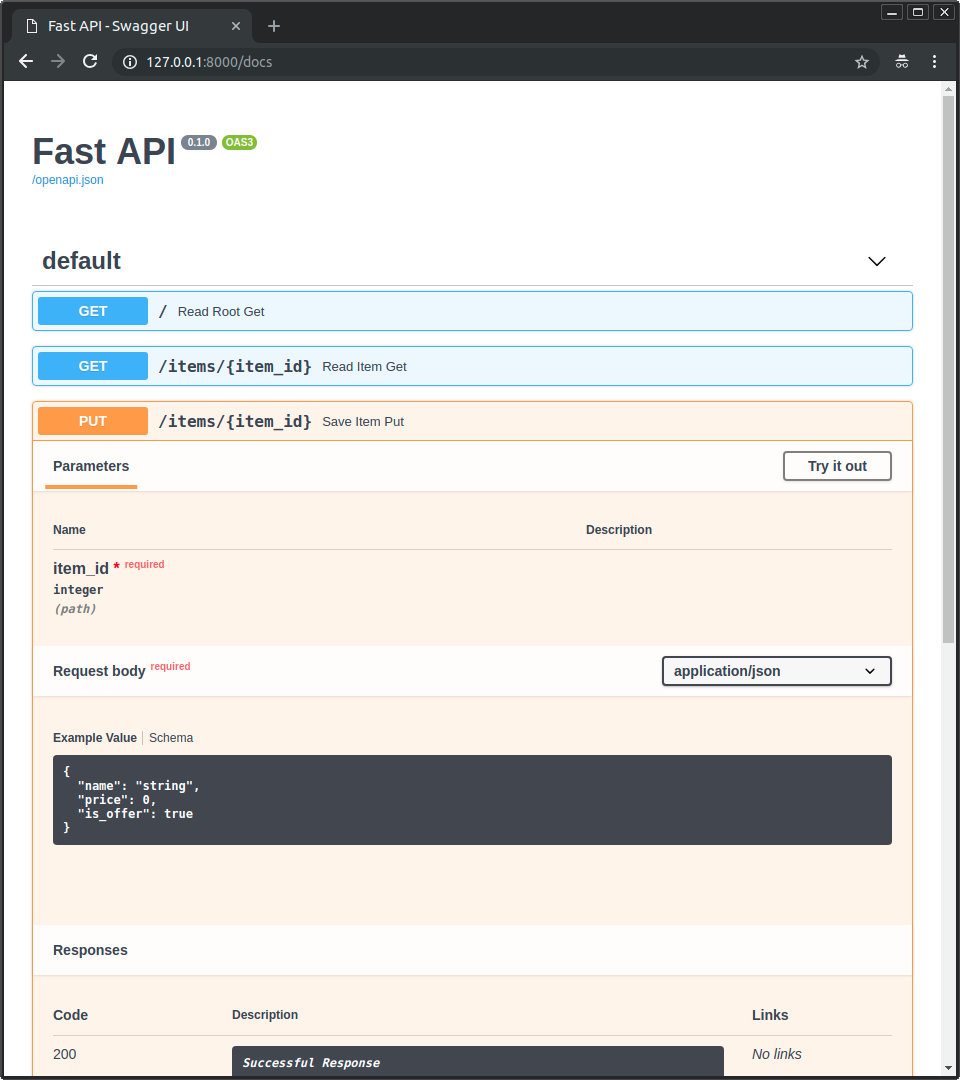 * Альтернативна документація API за допомогою [**ReDoc**](https://github.com/Rebilly/ReDoc). 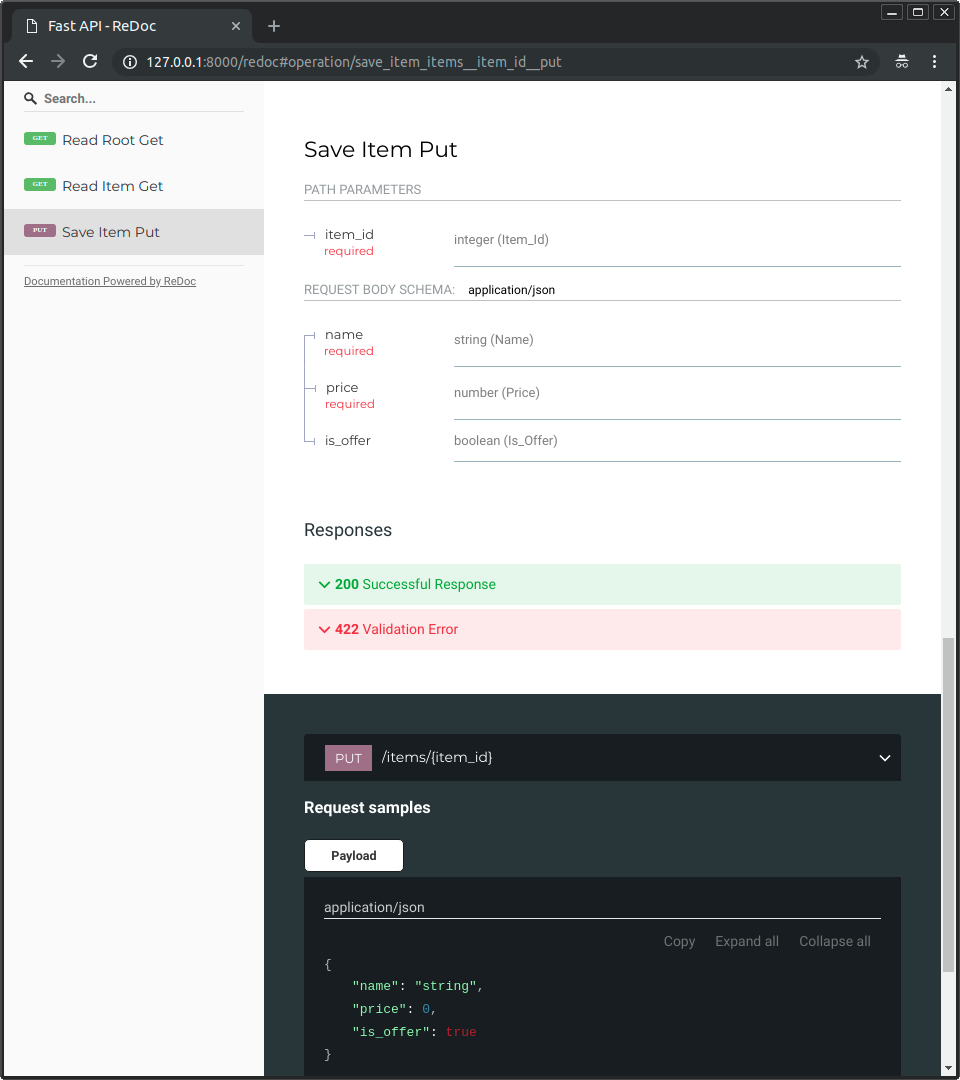 ### Лише сучасний Python { #just-modern-python }Created: Sun Apr 05 07:19:11 GMT 2026 - Last Modified: Thu Mar 19 18:27:41 GMT 2026 - 15.1K bytes - Click Count (0) -
ci/official/libtensorflow.sh
  tfrun nvidia-smi
fi

# Update the version numbers for Nightly only
if [[ "$TFCI_NIGHTLY_UPDATE_VERSION_ENABLE" == 1 ]]; then
  python_bin=python3
  # TODO(belitskiy): Add a `python3` alias/symlink to Windows Docker image.
  if [[ $(uname -s) = MSYS_NT* ]]; then
    python_bin="python"
  fi
  tfrun "$python_bin" tensorflow/tools/ci_build/update_version.py --nightly
fi

if [[ $(uname -s) != MSYS_NT* ]]; then
Created: Tue Apr 07 12:39:13 GMT 2026 - Last Modified: Fri Jan 24 20:17:08 GMT 2025 - 2K bytes - Click Count (0) -
docs/es/docs/tutorial/cookie-param-models.md
## Revisa la Documentación { #check-the-docs }

Puedes ver las cookies definidas en la UI de la documentación en `/docs`:

<div class="screenshot">
<img src="/img/tutorial/cookie-param-models/image01.png">
</div>

/// info | Información
Created: Sun Apr 05 07:19:11 GMT 2026 - Last Modified: Fri Feb 13 13:41:41 GMT 2026 - 3.3K bytes - Click Count (0) -
docs/fr/docs/advanced/json-base64-bytes.md
{* ../../docs_src/json_base64_bytes/tutorial001_py310.py ln[1:9,29:35] hl[9] *}

Si vous allez sur les `/docs`, vous verrez que le champ `data` attend des octets encodés en base64 :

<div class="screenshot">
<img src="/img/tutorial/json-base64-bytes/image01.png">
</div>

Vous pourriez envoyer une requête comme :

```json
{
    "description": "Some data",
    "data": "aGVsbG8="
}
```

/// tip | Astuce
Created: Sun Apr 05 07:19:11 GMT 2026 - Last Modified: Thu Mar 19 18:33:45 GMT 2026 - 2.8K bytes - Click Count (0) -
docs/zh-hant/docs/tutorial/header-param-models.md
FastAPI 會從請求的標頭為每個欄位擷取資料,並交給你已定義的 Pydantic 模型實例。

## 檢視文件 { #check-the-docs }

你可以在 `/docs` 的文件介面看到所需的標頭:

<div class="screenshot">
<img src="/img/tutorial/header-param-models/image01.png">
</div>

## 禁止額外標頭 { #forbid-extra-headers }

在某些特殊情境(可能不常見)下,你可能想限制允許接收的標頭。

你可以使用 Pydantic 的模型設定來 `forbid` 任何 `extra` 欄位:
Created: Sun Apr 05 07:19:11 GMT 2026 - Last Modified: Sat Feb 14 08:15:26 GMT 2026 - 2.3K bytes - Click Count (0) -
docs/uk/docs/tutorial/cookie-param-models.md
## Перевірка у документації { #check-the-docs }

Ви можете побачити визначені cookies в інтерфейсі документації за адресою `/docs`:

<div class="screenshot">
<img src="/img/tutorial/cookie-param-models/image01.png">
</div>

/// info | Інформація
Created: Sun Apr 05 07:19:11 GMT 2026 - Last Modified: Fri Feb 13 12:42:01 GMT 2026 - 4.7K bytes - Click Count (0) -
docs/fr/docs/advanced/behind-a-proxy.md
<img src="/img/tutorial/behind-a-proxy/image01.png">

Mais si nous accédons à l'interface de documents à l'URL « officielle » en utilisant le proxy avec le port `9999`, à `/api/v1/docs`, cela fonctionne correctement ! 🎉

Vous pouvez le vérifier sur [http://127.0.0.1:9999/api/v1/docs](http://127.0.0.1:9999/api/v1/docs) :

<img src="/img/tutorial/behind-a-proxy/image02.png">
Created: Sun Apr 05 07:19:11 GMT 2026 - Last Modified: Thu Mar 19 18:37:13 GMT 2026 - 17.4K bytes - Click Count (0) -
docs/pt/docs/advanced/behind-a-proxy.md
<img src="/img/tutorial/behind-a-proxy/image01.png">

Mas se acessarmos a interface de documentação no URL "oficial" usando o proxy com a porta `9999`, em `/api/v1/docs`, ela funciona corretamente! 🎉

Você pode verificar em [http://127.0.0.1:9999/api/v1/docs](http://127.0.0.1:9999/api/v1/docs):

<img src="/img/tutorial/behind-a-proxy/image02.png">

Exatamente como queríamos. ✔️
Created: Sun Apr 05 07:19:11 GMT 2026 - Last Modified: Thu Mar 19 18:20:43 GMT 2026 - 16.6K bytes - Click Count (0)